What Dot knows, and how it shows its sources
Dot never makes up a price, a date or a policy. It answers from what you’ve given it, and when nothing covers a question, it hands over to your team rather than guess.
Where its answers come from
Approved answers: the facts you keep in Settings → FAQ snippets. They always come first.
Help articles: any article with Dot can answer from it switched on. If one disagrees with an approved answer, the approved answer wins.
Your website: used only when no approved answer covers the question, and re-read every day. You can switch it off.
Your products, on Pro and up: prices and availability, read every day from your Shopify store or product feed in Settings → Products.
Actions, on Pro and up: lookups in your own systems, like an order’s status, for customers Dot can verify.
Add approved answers
Go to Settings and open FAQ snippets.
Press Add snippet. Give it a title, like Opening hours, and write the answer as you’d want every customer told.
Or type your website’s address under Import from your website and press Find snippets. Tick the ones you want and add them to your snippets.
Press Save changes. Nothing is approved until you do.
To stop Dot using your website, switch off Let drafts use my website when no snippet answers on the same page.
See what Dot used
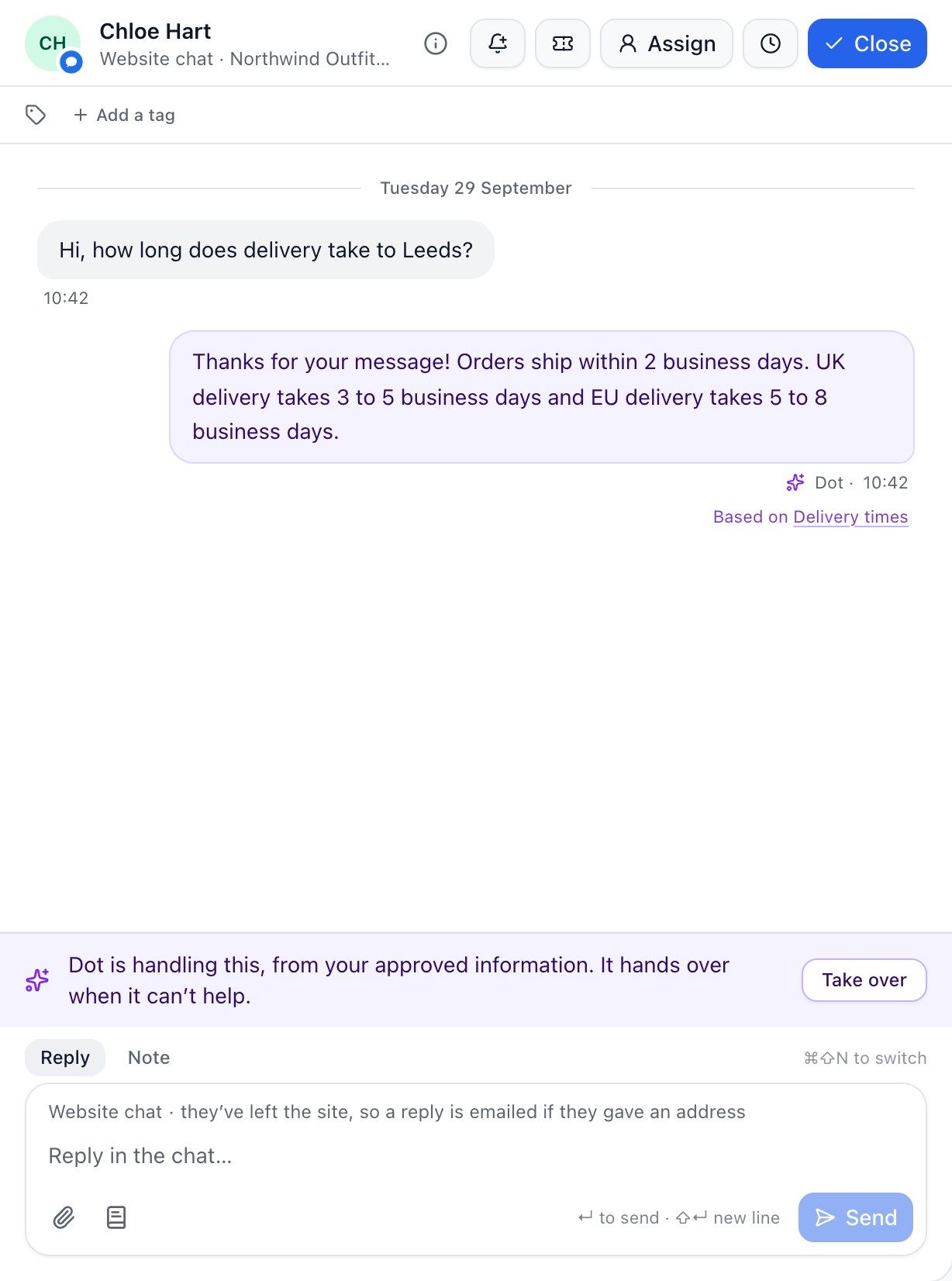
In the inbox, each reply Dot sent shows Based on, with links to the approved answers, web pages, articles and products it used. If it followed a procedure, it names that too.
On Suggest, the draft in the reply box says where it came from. A draft from your website rather than an approved answer is marked, so you check it before sending.
In your website chat, when Dot answers from public help articles, customers see Read links to them.
Did this answer your question?