Connect your first channel
Channels is where you bring your conversations in. Each channel takes a few minutes to connect, and new messages arrive in your inbox as they’re sent. Only a workspace owner can connect channels.
Pick where to start
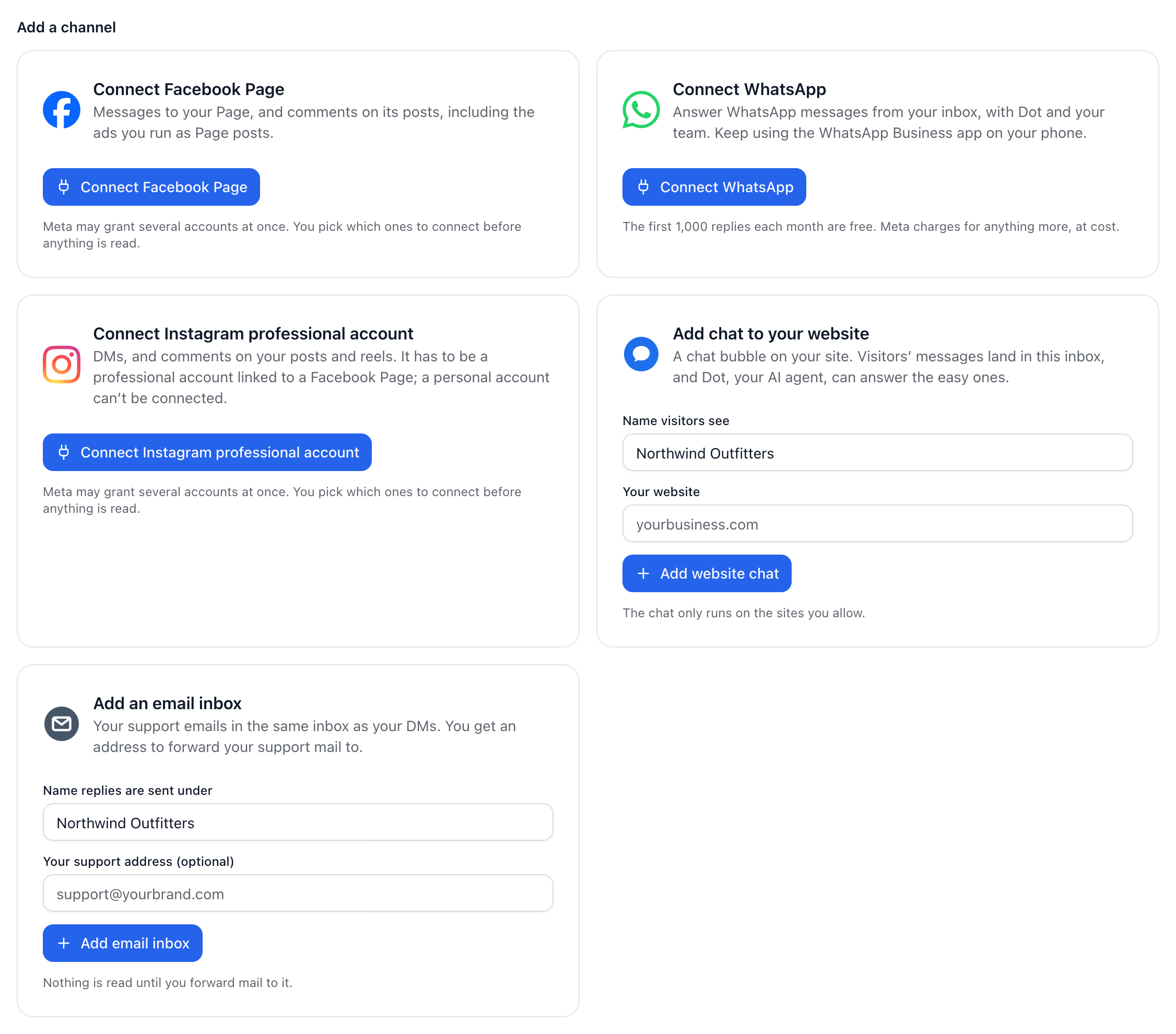
WhatsApp: your WhatsApp Business number. You can keep using the WhatsApp Business app on your phone.
Facebook Page: messages to your Page, and comments on its posts, including ads you run as Page posts.
Instagram professional account: DMs, and comments on your posts and reels.
Email: your support emails, forwarded to an inbox address we give you.
Website chat: a chat bubble on your site, added with one line of code.
Connect it
Open Channels in the sidebar.
On the channel’s card, select Connect WhatsApp, Connect Facebook Page, Connect Instagram professional account, Add email inbox or Add website chat.
Follow the steps. For WhatsApp, Facebook and Instagram you sign in with Facebook in Meta’s window, then choose what to connect.
Send yourself a message to check it works. The See it working step on Get started shows you how.
How many you can connect
Each Facebook Page, Instagram account, WhatsApp number, email inbox or website chat is one channel. Free connects 2 at once, Pro 3, Growth 10 and Scale 30. A disconnected channel doesn’t count.
Did this answer your question?