Reports
Reports shows how your conversations with customers are going, a tab for each question. Choose Last 7, 14, 30 or 90 days, or a Custom range, and All channels or just one. Days follow your workspace’s time zone.
On every plan
Conversations: messages and conversations, new and returning customers, each channel, your busiest hours, and your satisfaction score.
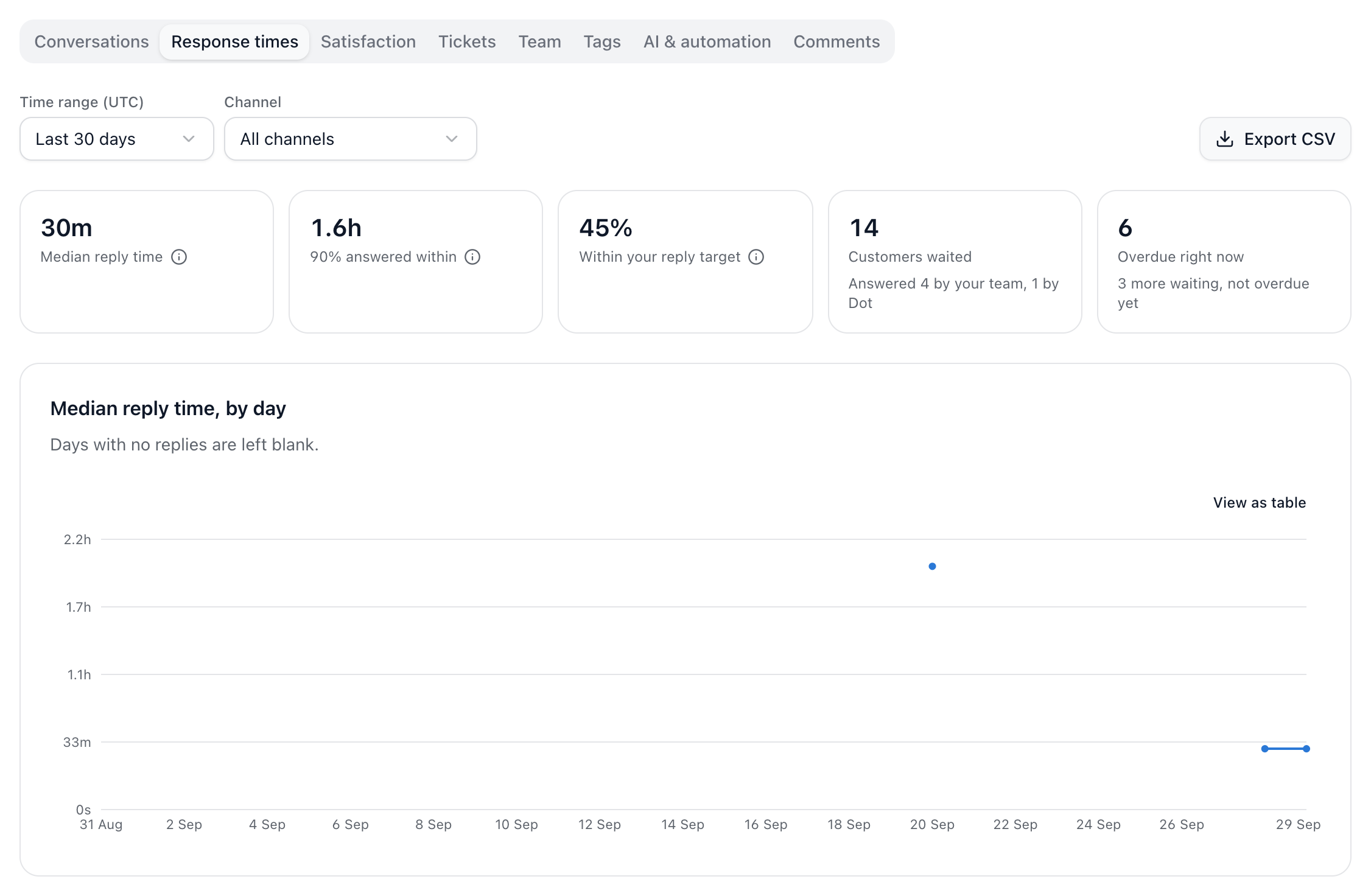
Response times: how long customers wait for a reply, typically and at the slowest, and how often you meet your reply targets, channel by channel.
Comments: what’s happening on your Facebook and Instagram posts, including buying questions still waiting.
On Pro and up
Satisfaction: how customers rate your conversations.
Tickets: how many are opened and resolved, and how many on time.
Team: each teammate’s replies, conversations, reply time, closes and notes, and what’s open with them now.
Tags: the tags used most, day by day, and how quickly each gets a reply.
AI & automation: chats Dot answered, answered with no person needed, and handed to the team; suggested replies prepared; workflow runs and their steps.
On Free these tabs show sample data, so you can see what you’d get before you upgrade.
How response time is measured
Each wait starts when a customer writes after you last did, and ends at the next reply from your team, Dot or a workflow. A wait that’s still open counts against your target once it has passed it. Dot passing a conversation to the team isn’t a reply.
Did this answer your question?