Search, Ask and Insights
Customers can search your articles, ask Dot a question in their own words, or read articles inside your website chat. Insights shows you what they looked for and didn’t find.
Search and Ask
Search finds articles as people type, by meaning as well as by words. With Let people ask Dot on, people can also ask Dot a question under the search. Dot answers from your articles and approved answers, with links to the articles it used. If it can’t answer, it offers the closest articles and your chat.
Each answer uses one of the month’s AI replies. Questions from your help centre never use more than half of them, so Dot always has replies left for your inbox.
In your website chat
Articles in your chat: your chat gets Search for help and your four most read articles. Articles open right in the chat, and visitors can Send us a message with what they typed already written, or Ask Dot when Dot is on for your website chat.
Your chat on the help centre: your chat appears on every help centre page, and Chat with us opens it with the question already written.
When Dot answers a chat from your public articles, its reply links to them.
Open Help centre and go to the Settings tab.
Under Dot and your chat, switch on what you want. Each switch saves straight away.
The last two need a website chat. If you haven’t got one, add it in Channels.
Insights
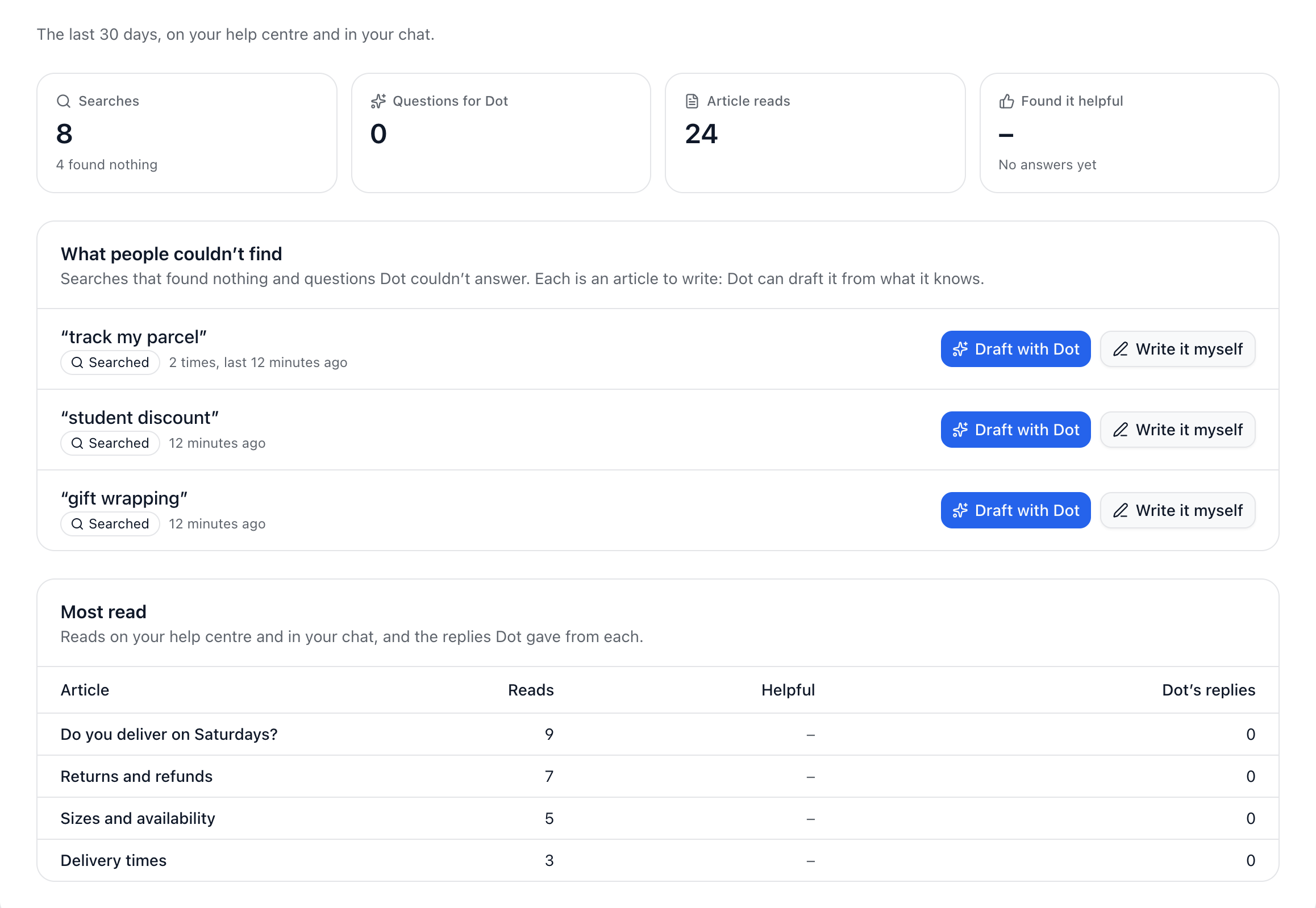
The Insights tab covers the last 30 days:
What people couldn’t find: searches that found nothing and questions Dot couldn’t answer, each with Draft with Dot and Write it myself.
Articles that didn’t help: articles people said didn’t answer their question.
Most read: the articles people open most.
Dot also looks every hour for articles worth writing, and lists them under Dot suggests on the Articles tab. Nothing is drafted until you press Draft.
Did this answer your question?